Build Your FNAF Pizzeria Controls & UI Guide
Master movement, building shop, animatronic placement, explore mode, and night lobby cameras on PC and mobile.
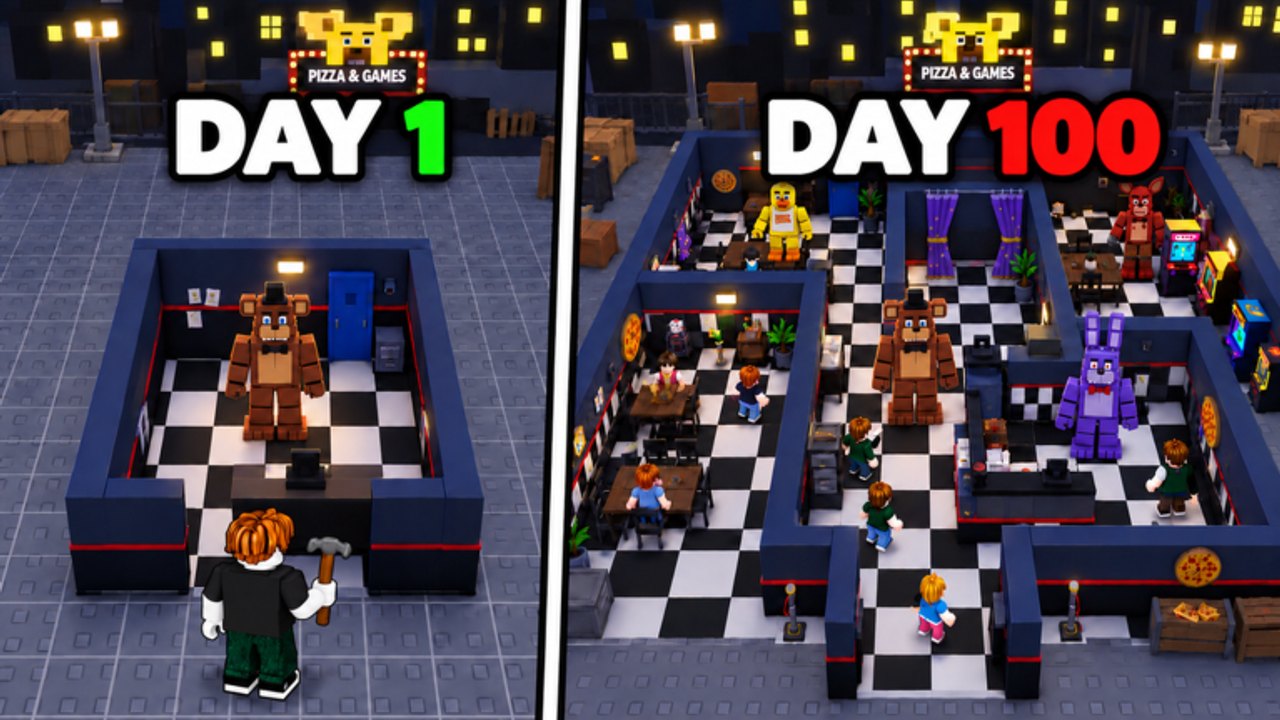
Knowing the controls and UI in Build Your FNAF Pizzeria saves more cash than any random tip video. This guide maps movement, the building shop hotbar, hallway and room placement, the animatronic shop, explore mode, and the night lobby camera, door, light, and power panels. It also covers mobile versus PC habits so you do not fat-finger a door close at 5AM. Pair it with Getting Started for the first-hour loop and How to Build a Maze once placement feels natural.
The experience is a Roblox Simulation/Tycoon by afton studio (place 113338086676197, universe 10767103918, max six players). Released 19 September 2026 and last broadly updated around 30 October 2026, it layers daytime maze building with optional night survival. Controls differ slightly between those modes; learn both so you never open the wrong panel mid-session.
Movement and camera (daytime plot)
On PC, use the standard Roblox move set: WASD (or arrow keys) to walk your plot, Space to jump if a ledge or prop blocks a hallway test, and mouse look to inspect doorway alignment. Hold Shift only if your client enables sprint; do not assume every server grants extra speed. On mobile, the left virtual stick moves you while the right drag rotates the camera. Pinch-zoom sparingly when judging whether two hallway openings actually face each other.
Walk your maze after every few placements. The UI can look connected from a top-down angle while a one-tile gap still breaks visitor pathing. If you cannot route from entrance to deep room on foot, visitors will not either, and your animatronics will idle. That habit alone is half of good control discipline.
Building shop and hotbar
Open the building shop from the main HUD (often a hammer, bricks, or shop icon along the left or bottom). The shop lists hallways and rooms that form your pizzeria maze. Selecting a piece usually parks it on a hotbar or ghost preview so you can place multiple copies without reopening the catalog every time.
Placement flow:
- Open the building shop and pick a hallway or room SKU you can afford.
- Confirm the piece sits on your hotbar or active tool slot.
- Aim the ghost at an existing opening so doorways align.
- Confirm place (click / tap). Rotate before committing if the piece faces the wrong way.
- Walk the new segment. Delete or rotate immediately if you soft-lock yourself.
Hotbar tips:
- Keep your most-used hallway on slot 1 during spine building.
- Do not leave a cosmetic room on the active slot when you meant to place a connector.
- Watch cash after each buy; spam-clicking the shop can drain a session budget before a slot unlocks.
- If a SKU shows a group lock, stop and join Afton Studios first (Join Afton Studios) instead of mashing purchase.
Connected rooms unlock animatronic slots. Treat every hotbar session as slot investment, not free decoration. The Tools Hub and Maze Planning Checklist turn that rule into a repeatable audit.
Animatronic shop controls
When connectivity grants a slot, open the animatronic shop. Buy Freddy or another starter catcher, then enter placement mode. Aim the unit on a choke point where explorers must pass. Confirm place, then step back and verify the model is not clipped inside a wall or sitting in a side closet nobody enters.
Control habits that print money:
- Fill every open slot before quitting (animatronics catch offline).
- Re-enter placement if a unit looks stranded after a hallway edit.
- Prefer moving a weak placement over buying a second unit you cannot path correctly.
- Cross-check expensive buys with the Animatronics Tier List after you learn the UI.
Detailed roster context lives on the Animatronics Guide and Players Hub. This page only cares that you can open the shop, place cleanly, and leave the maze offline-ready.
Explore mode
Explore lets you tour your own maze and other players’ builds. Find the explore entry on the HUD or lobby options, pick a target maze, and spawn as a visitor. Use the same movement controls, but do not expect full building tools while exploring someone else.
Why explore is a control skill:
- You learn which doorway angles feel fair versus cheeseable.
- You practice reading choke points from the visitor side before copying ideas into your plot.
- You scout flow for Earn Money Fast without guessing.
Ethics and deeper scouting tactics belong on Explore Mazes. Here, remember the mode switch: leave explore before you try to edit your hotbar, or you will wonder why placement keys do nothing.
Night lobby controls: cameras, doors, lights, power
Night lobbies are a separate UI fantasy. After you join a night (your map, a friend’s, or a classic layout from the Night Shift-era hub), you manage:
| Control | Job | Common bind mindset |
|---|---|---|
| Cameras | Sweep feeds, call approaches | Toggle cam tablet / cycle feeds |
| Doors | Hard-block a committed threat | Left / right door buttons |
| Lights | Check a doorway without full close | Door-light toggles |
| Power | Shared budget for all of the above | Watch the % bar constantly |
Exact key labels can vary with Roblox touch layouts, but the discipline does not: cameras inform, lights verify, doors commit, power taxes everything. Holding both doors “just in case” drains the night before 4AM. Full tactics live in Night Survival; the deep dive on the October-era lobby hub is Night Shift Update.
PC nights favor mouse precision on cam buttons and quick door clicks. Mobile nights need larger tap targets: park thumbs so door buttons are reachable without covering the power readout. If your squad has six players, assign roles so six thumbs are not slamming the same door.
Mobile versus PC tips
PC
- Use mouse look to verify hallway seams before confirming place.
- Hotbar number keys (when available) beat reopening the shop catalog.
- Keep chat or voice free for night callouts; bind nothing that fights door keys.
Mobile
- Zoom out slightly while building so ghost pieces do not hide openings.
- Place with deliberate taps; double-taps can rotate or cancel depending on UI state.
- In nights, enable higher UI scale if door buttons feel tiny.
- Sit somewhere stable; one accidental drag can swing the camera off a critical feed.
Both platforms
- Let the plot fully load before touching the shop.
- Rejoin once if a panel refuses to open after a group join.
- Do not chase executors for “better controls”; read Scripts Hub risks instead.
Session control checklist
- Movement comfortable; camera not stuck in a prop
- Building shop opens; hotbar shows the intended hallway/room
- New pieces walked and connected
- Animatronic shop opens only when a slot exists
- Units placed on forced paths; empty slots filled
- Explore mode tested for one foreign maze idea
- Night lobby controls reviewed before a 6AM attempt
- Mobile/PC quirks noted for your device
Related pages
- Getting Started — first-hour walkthrough and embedded gameplay video
- How to Build a Maze — connectivity and choke theory
- Night Survival — reach 6AM with callouts
- Tools Hub and Maze Planning Checklist — printable-style audits
- Guides Hub — full tutorial index
Learn the panels once, then spend brainpower on layout and power budgets. Clean controls are how Build Your FNAF Pizzeria turns into a calm printer instead of a frantic tap fight.
Frequently Asked Questions
Quick answers about mazes, money, animatronics, and nights.
Where is the building shop in Build Your FNAF Pizzeria?
Open it from the main HUD (shop, hammer, or bricks style icon). Selected hallways and rooms move to a hotbar or ghost preview for placement.
How do I place animatronics?
Unlock a slot via connected rooms, open the animatronic shop, buy a unit, then place it on a choke point visitors must walk through.
What controls matter in night lobbies?
Cameras for information, doors for hard blocks, lights for checks, and the shared power bar that taxes every action.
Are mobile controls different from PC?
Movement uses a virtual stick on mobile and WASD on PC, but shop, placement, and night panels follow the same logic. Mobile players should slow taps and watch UI scale.
Why can I not place a shop item?
You may be in explore or night mode, out of cash, missing a slot, or hitting a group gate. Leave explore, check slots, and join Afton Studios if the SKU requires it.